Table of Contents
Rewards leaderboard
The Rewards leaderboard shows rewards by recipient. It helps you compare what rewards each person has received, broken down by reward status (Nominated, Approved, Paid out). It also shows Points if y…

Table of Contents
The Rewards leaderboard shows rewards by recipient. It helps you compare what rewards each person has received, broken down by reward status (Nominated, Approved, Paid out). It also shows Points if your organization uses them.
Navigation
- In the top header, click the notepad/clipboard icon (My overview).
- Select the Rewards leaderboard tab.
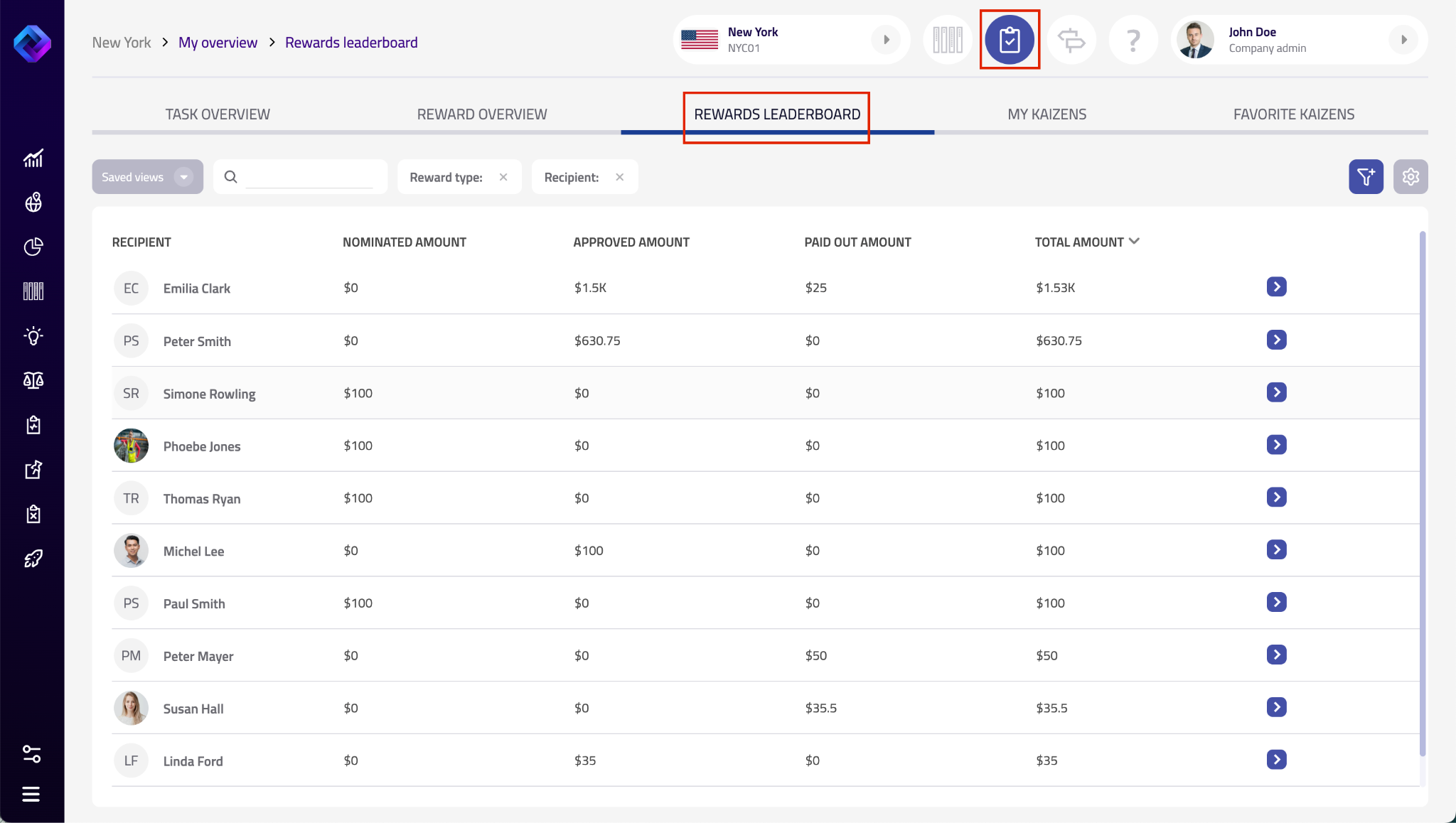
What you see on the page: Controls
- Saved views – your saved filter/sort presets.
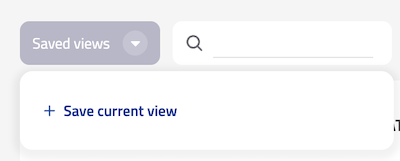
- Search – quickly filter the list by recipient (e.g., name).
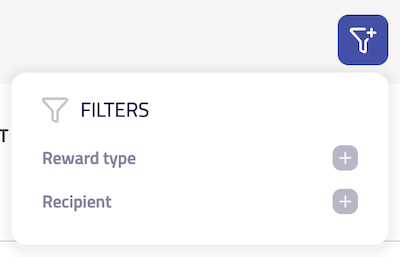
- Filter (funnel icon) – refine what is shown (available options depend on your setup).
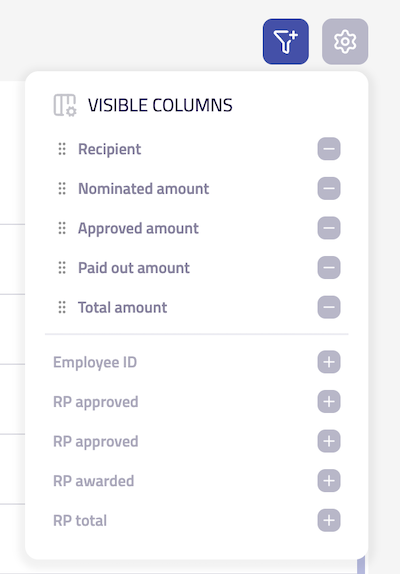
- Columns & statuses (gear icon) – choose which columns are visible and which reward statuses are included in the list.
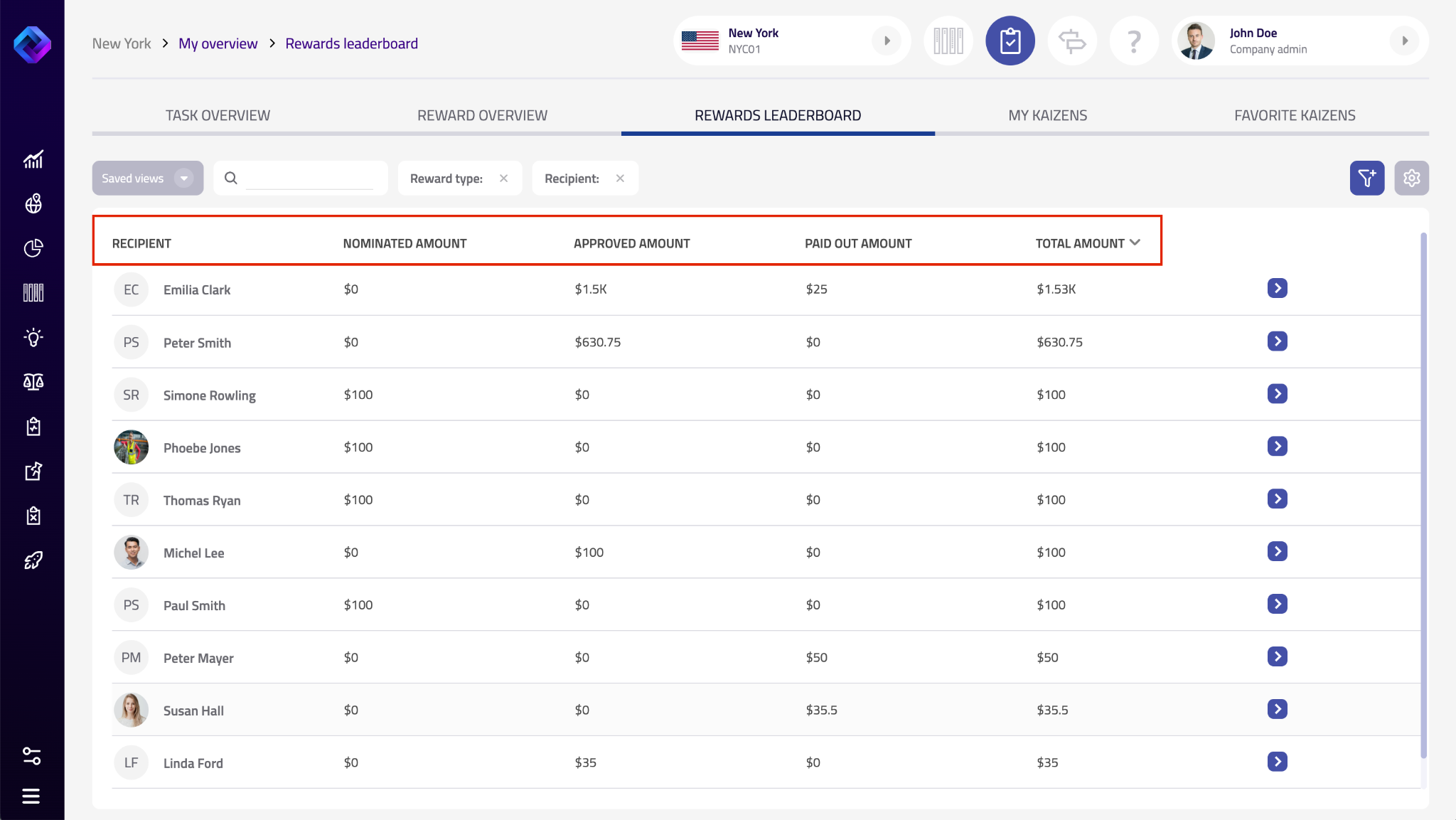
What you see on the page: Table
Each row represents one reward recipient. On the far right, use Open (chevron button) to open the detail for that recipient (what you see in the detail depends on your configuration).
Recipient identification
- Recipient – the person who received rewards.
- Employee ID – the recipient’s employee identifier (if used in your organization).
Reward amounts received (by status)
These columns show the total value of rewards received by the recipient, grouped by status:
- Nominated amount – total value of rewards received that are currently Nominated.
- Approved amount – total value of rewards received that are currently Approved.
- Paid out amount – total value of rewards received that are currently Paid out.
- Total amount – total value of rewards received across all statuses.
Note: Totals are based on rewards created on individual projects (for example, fixed amounts or a percentage of savings—based on your reward type setup).
Points received (by status)
These columns show Points received by the recipient, grouped by status:
- Points nominated – Points in Nominated status.
- Points approved – Points in Approved status.
- Points awarded – Points that were awarded/paid out (exact behavior depends on your setup).
- Points total – total Points across all statuses.
Tips for use
- Use Search to quickly find a specific recipient.
- Use Open to review what makes up the totals for that recipient.
- Compare Approved amount vs Paid out amount to see what is approved but still pending payout.
- Use the gear icon to keep only the columns and statuses you need for your review.
How did we do?
Financial evaluation
Rewards Overview