Understanding project types
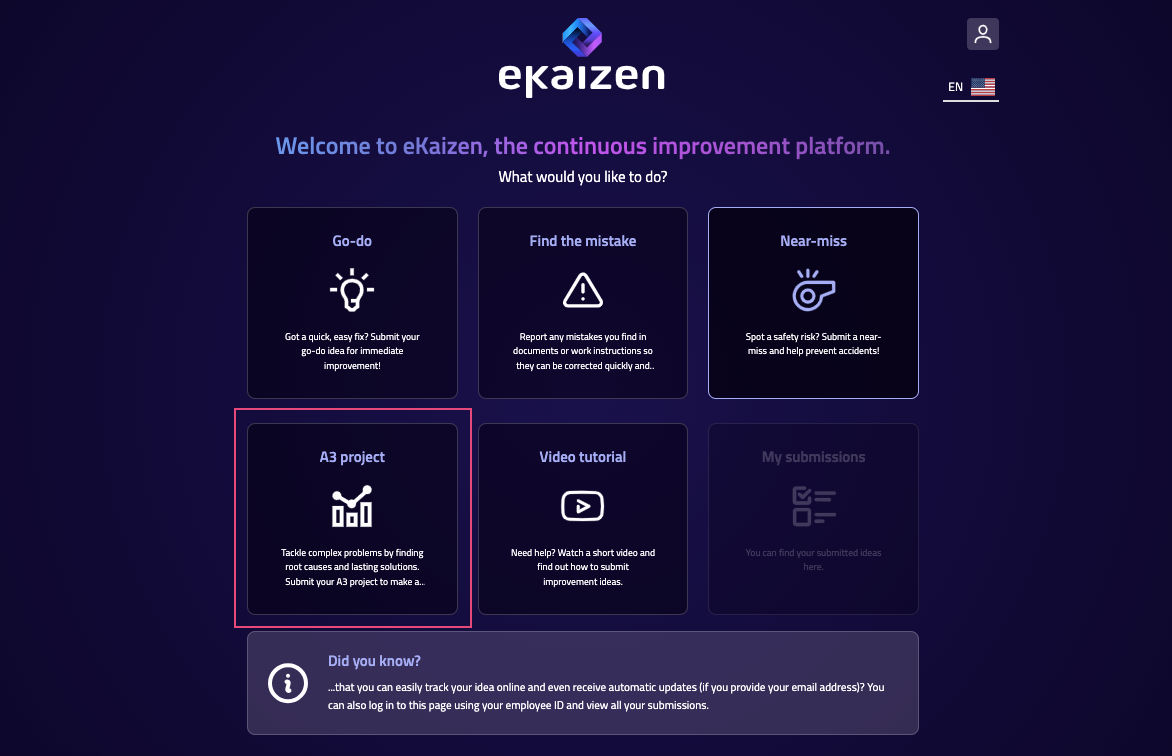
In eKaizen, every submitted idea is assigned a project type. While this is usually selected by the author during submission, it plays an important role throughout the life of the project - affecting…

In eKaizen, every submitted idea is assigned a project type. While this is usually selected by the author during submission, it plays an important role throughout the life of the project - affecting what information is collected, what tasks are required, and how the project is evaluated and approved.
What does the project type define?
Once selected, the project type determines:
- Submission form – which fields are shown to the author when submitting the idea
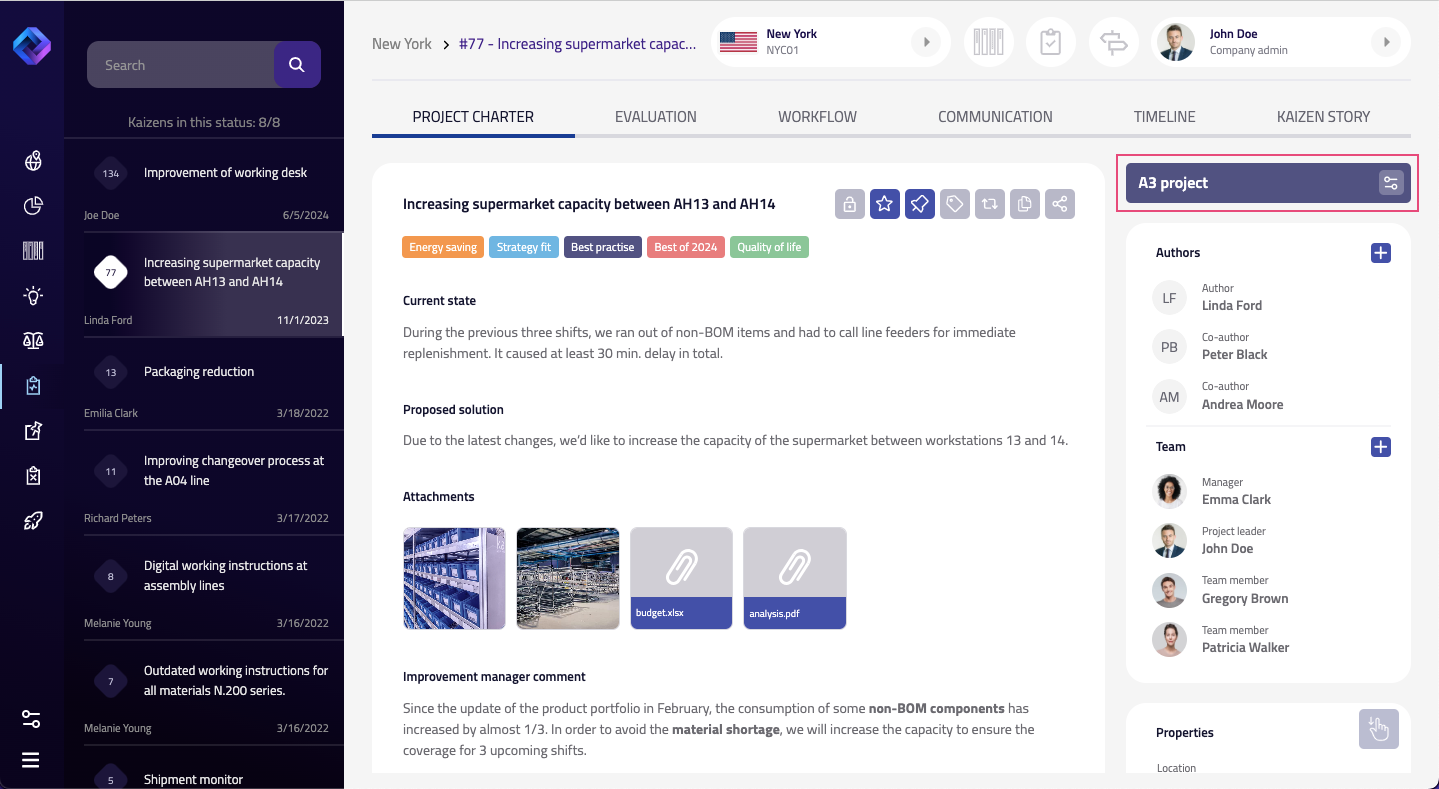
- Project charter – the structure of the project detail page, including which sections and fields appear
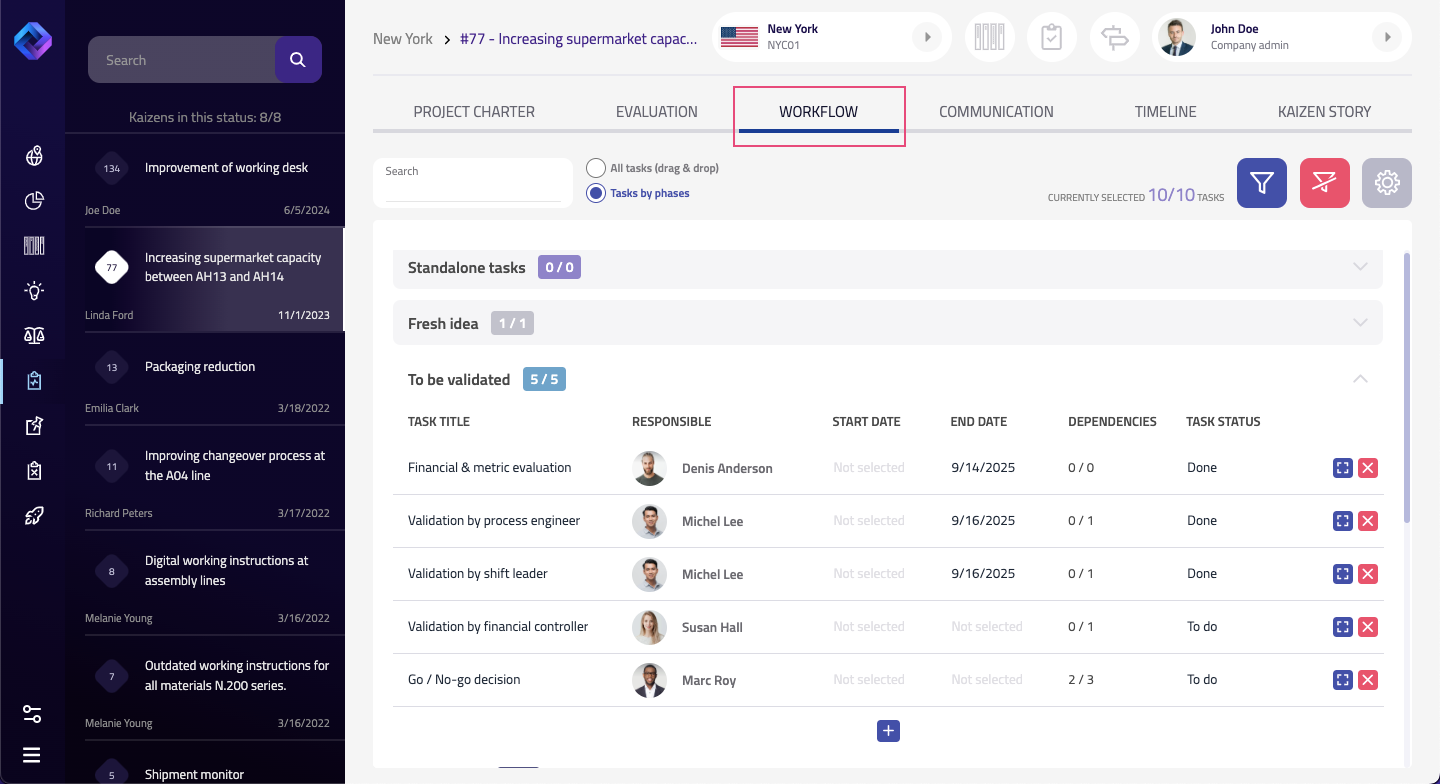
- Workflow – the sequence of stages and tasks the project will follow, including approvals, evaluations, and final reviews
- Scoring criteria – which evaluation metrics apply (if scoring is used)
- Assignment rules – whether certain project types are automatically assigned to a specific person or role
These settings help ensure that different types of improvements follow the right process and reach the right people. To learn how project types are configured, see the Administrator Guide. Only users with admin permissions can access and modify these settings.
Why it matters
As an idea manager, team lead, or department head, understanding the project type helps you:
- Know what information you can expect in the submission
- Follow the correct workflow for approvals and evaluations
- Ensure that the right fields are completed before moving the project forward
- Understand who is responsible for the project by default
- Identify if something is missing - such as a required field or workflow step
Can the project type be changed?
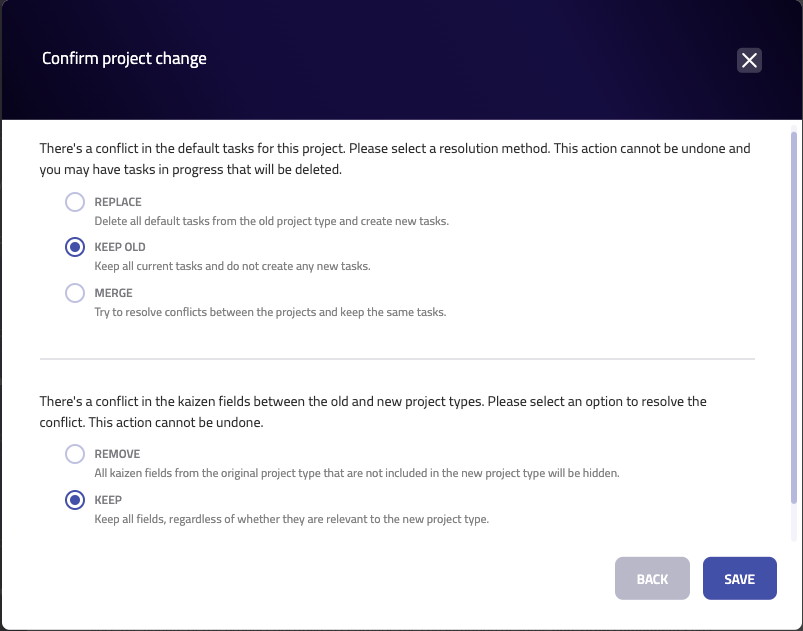
Yes - it is possible to change the project type, but it’s considered a major change, as it can affect the workflow and the project charter. The ability to request this change depends on user permissions and may not be available to all roles. When a change is requested, a confirmation dialogue will appear offering three options:
- Replace – apply the workflow and project charter from the new project type. This will remove the current tasks and fields and replace them with those defined in the new template.
- Keep – keep the existing workflow and charter fields. Only the project type label will change.
- Merge – apply the new workflow and charter, but keep existing tasks and filled-out fields wherever possible.
The option you choose will depend on how far along the project is and whether the new type requires a completely different structure.
Because this change can affect how the project is processed, reviewed, and evaluated, it’s a good idea to review the options carefully before confirming the change.
How did we do?
Project Presentations
Linked projects