Table of Contents
How to work with the portal
The eKaizen portal is your starting point for submitting and tracking improvement ideas. Depending on how your company has configured it, you may see different tiles and options available. Logging In…

Table of Contents
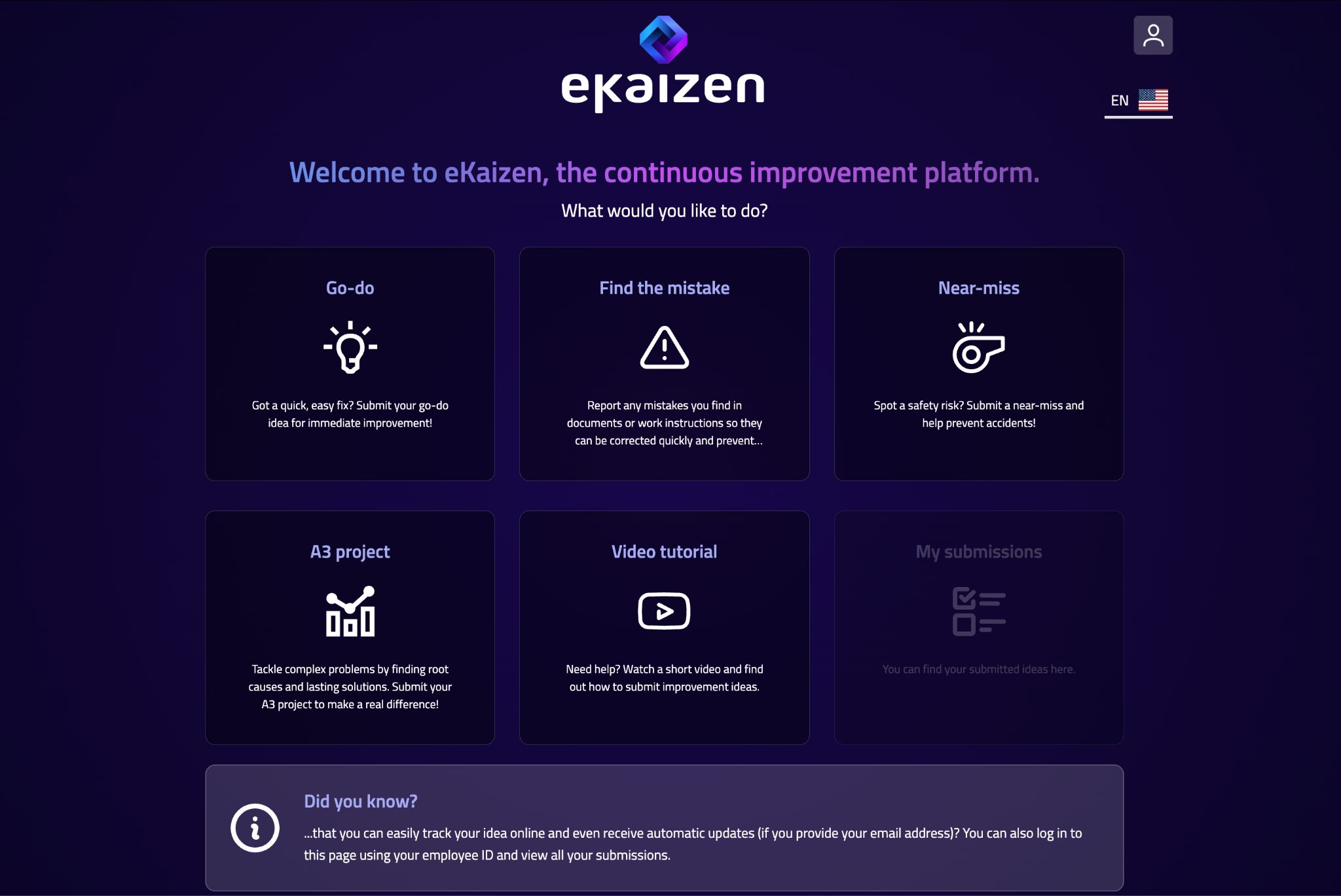
The eKaizen portal is your starting point for submitting and tracking improvement ideas. Depending on how your company has configured it, you may see different tiles and options available.
Logging In
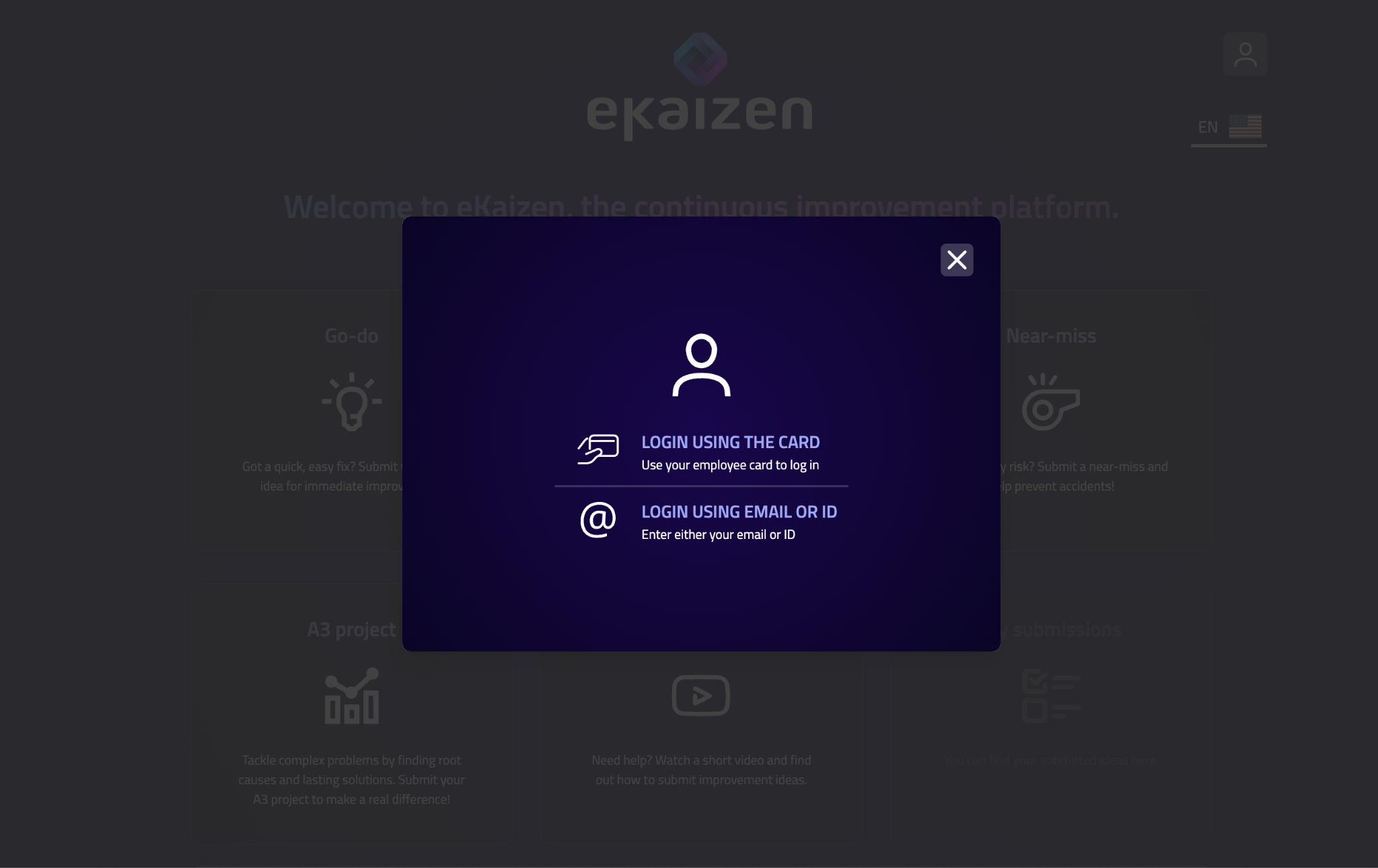
Click the login icon in the upper right corner. You can log in using your employee badge, employee ID, or email address - the available methods depend on your organization’s setup.
My Submissions
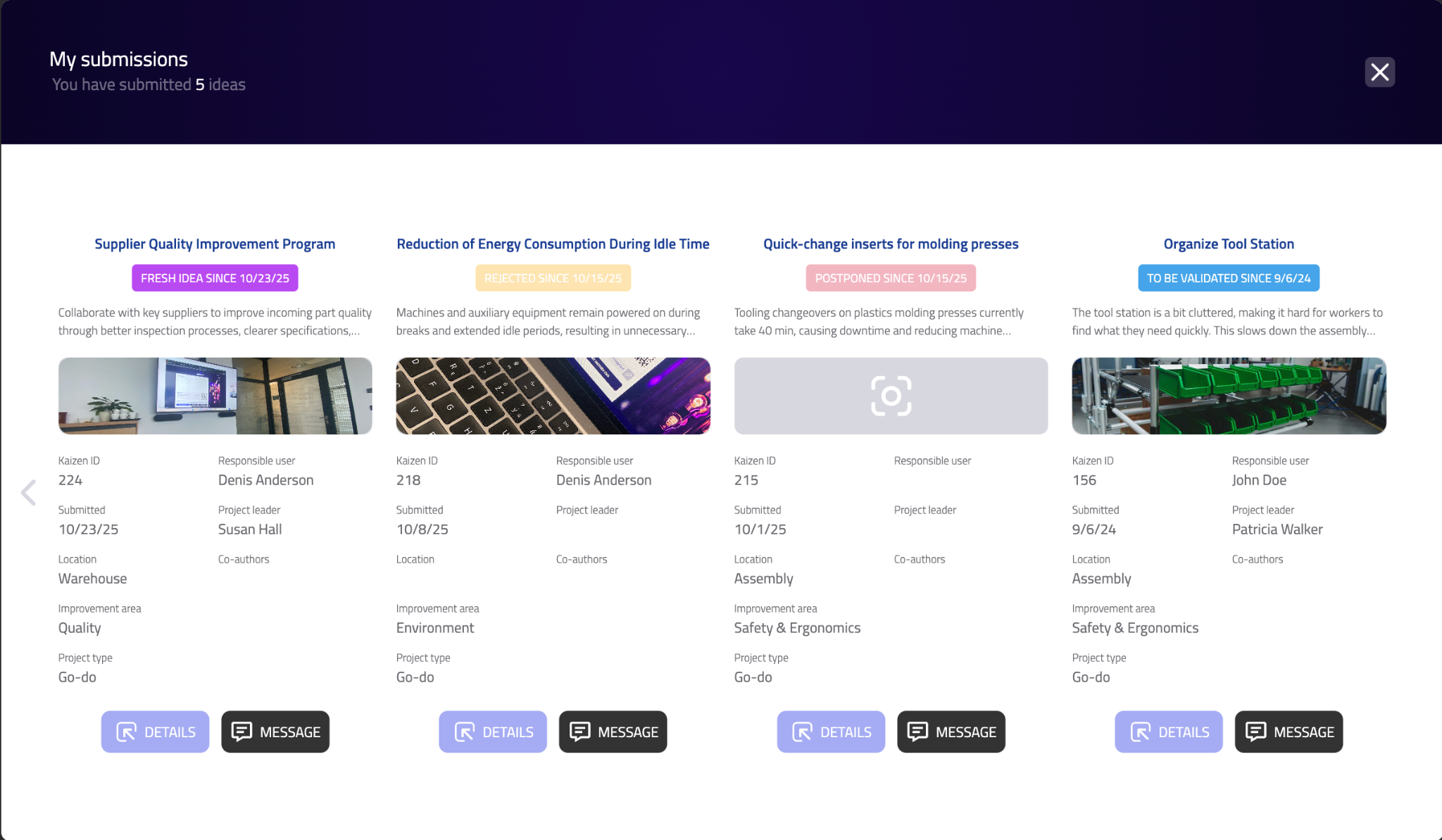
Use the My Submissions tile to view the ideas you’ve already submitted. You can check their current status, see which stage they’re in, and follow any updates or comments from the idea manager.
Other Tiles
Each tile typically represents a different type of improvement your company collects - such as cost-saving ideas, safety suggestions, or process improvements. Clicking a tile will open the corresponding submission form. The exact options you see may vary based on your company settings.
How did we do?
Submitting an idea